
UgCS Cloud (for MAVLink drones)
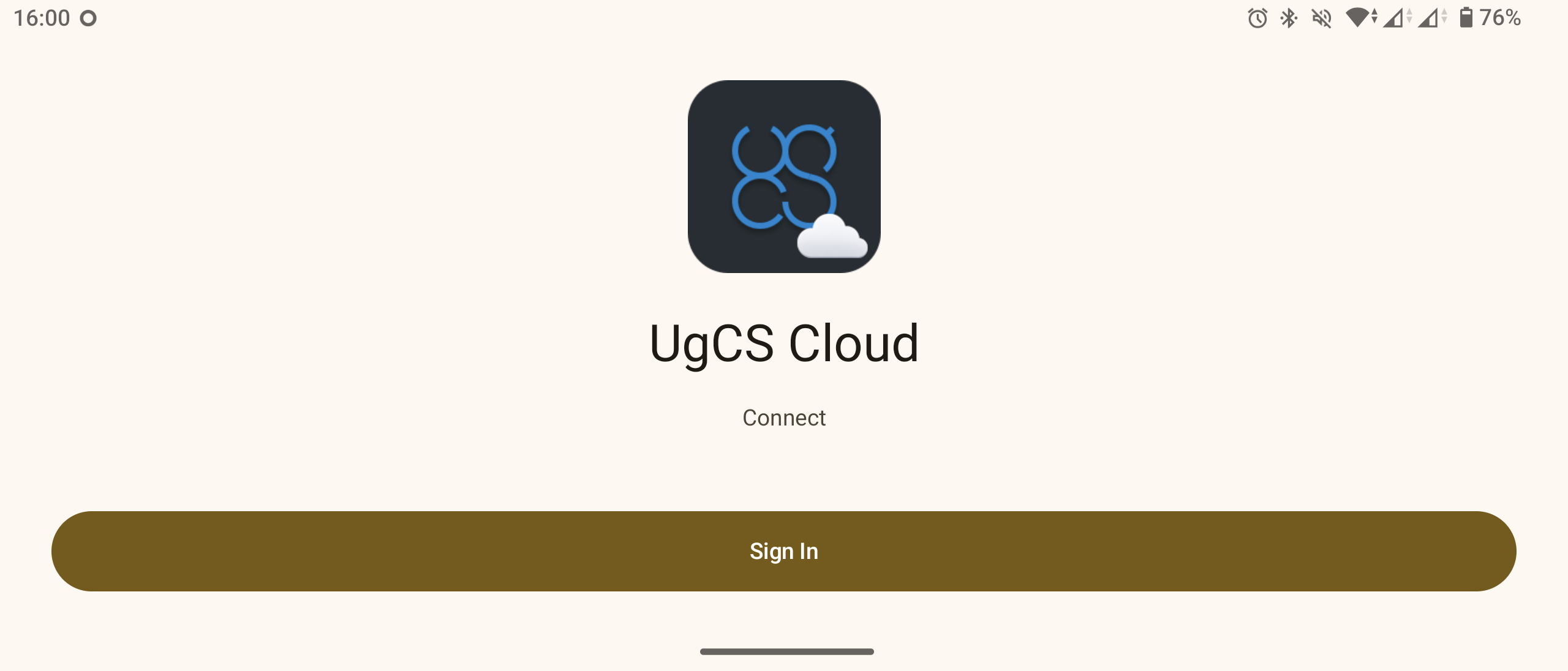
UgCS Cloud simplifies flight plan transfers to MAVLink drones. Flight plans can be uploaded from the UgCS desktop application to UgCS Cloud and then downloaded using the UgCS Cloud mobile application for Android.
The UgCS Cloud mobile application should be installed on an Android-based remote controller (RC) running Mission Planner or QGroundControl. Flight plans are transferred in *.plan format.
The UgCS Cloud mobile application is available on the UgCS download page.
How to Connect to UgCS Cloud
Sign up through UgCS Desktop
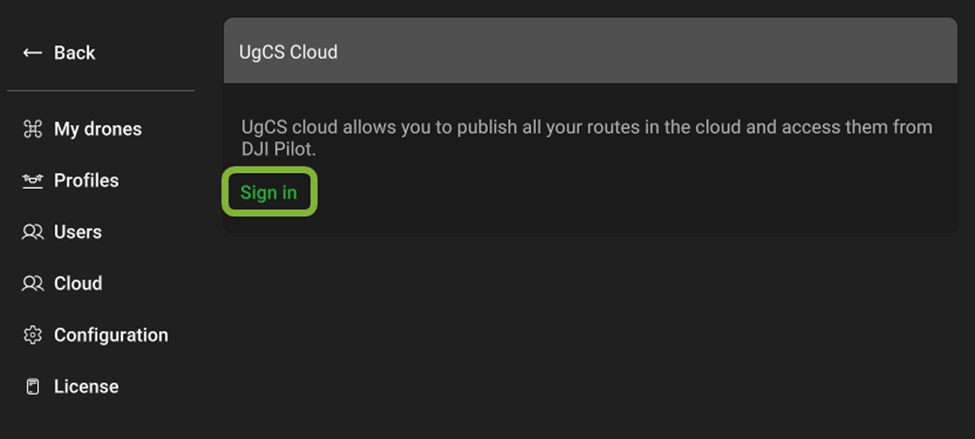
- Open UgCS and click on the Cloud Icon.

- Click on the Sign In button
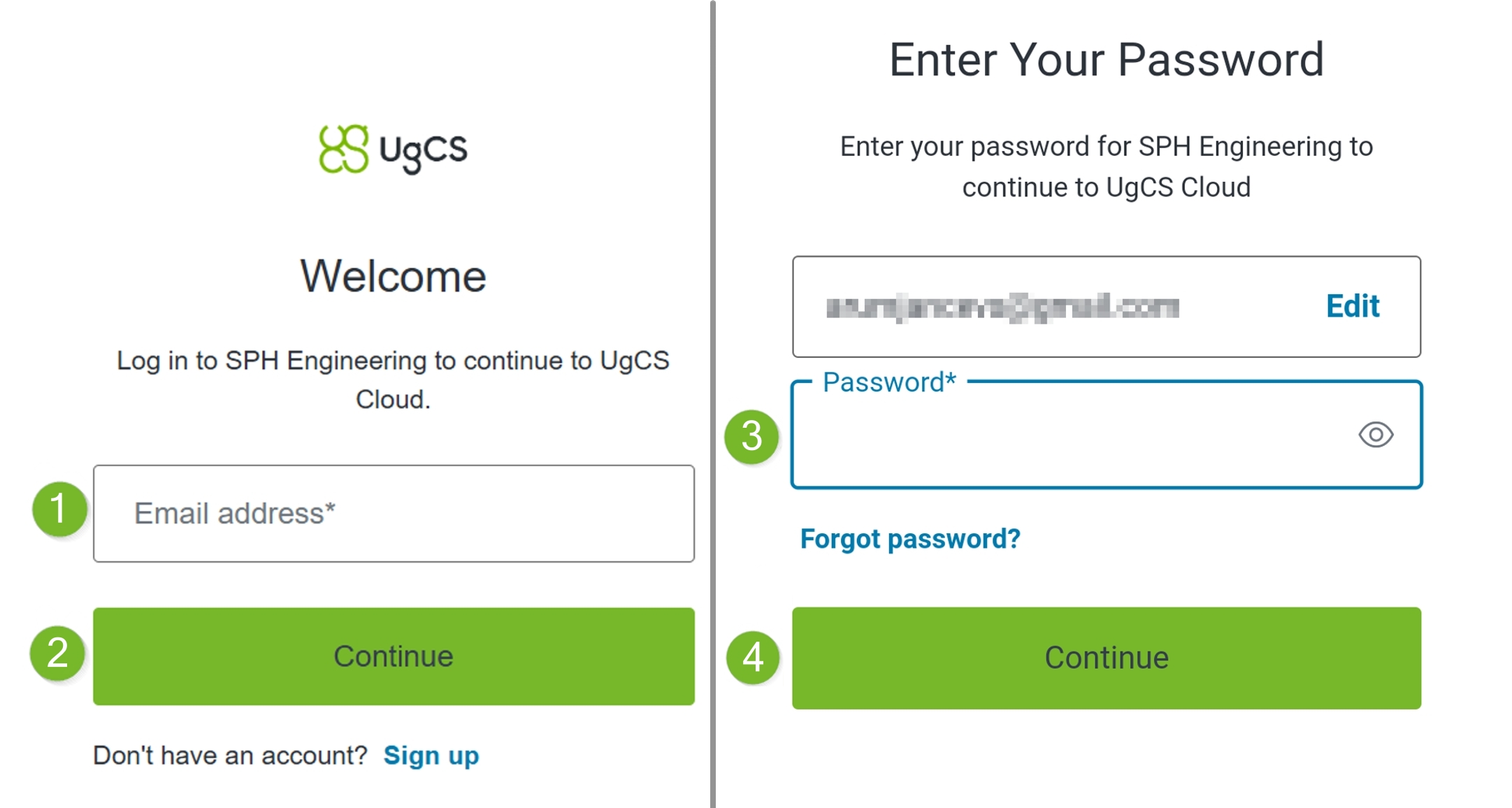
- Your default browser will open an authorisation page. Sign in by entering your email address, pressing Continue, then entering your password and pressing Continue again.
If you're a new user, select Sign Up instead.

-
If Sign Up is required:
o Press Sign Up.
o Enter your email address and press Continue.
o Wait for the 6-digit code in your email. Enter it and press Continue.
o Enter your password and press Continue.
o Press Accept to authorise the login. -
In UgCS, under the Cloud tab, you will now see that you are successfully logged in.
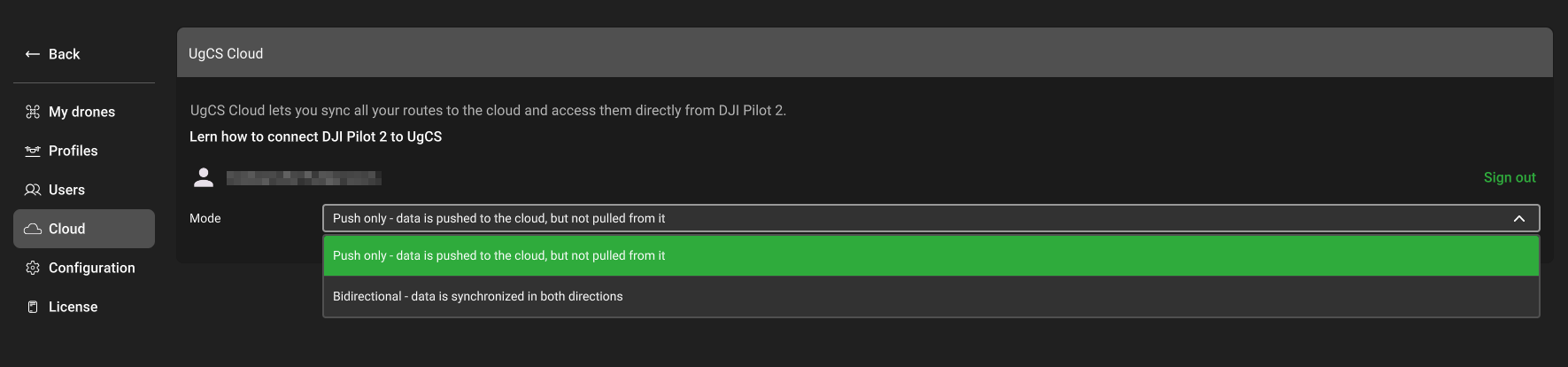
There are 2 modes available:
- Push only - Data can be pushed to the cloud, but can't be pulled from it.
- Bidirectional - Data can be pushed and pulled from the cloud. (Currently not supported).
Sign up through UgCS Cloud
-
Open the UgCS Cloud application and click the "Sign in" button. You will be redirected to the sign-in page via your preferred internet browser.
-
Enter the credentials used to sign in from the desktop application.
Operations in the UgCS Cloud application
After successful login, the application will display all projects available in the Cloud. The UI allows switching between Dark and Light themes, refreshing the list of missions and signing out.
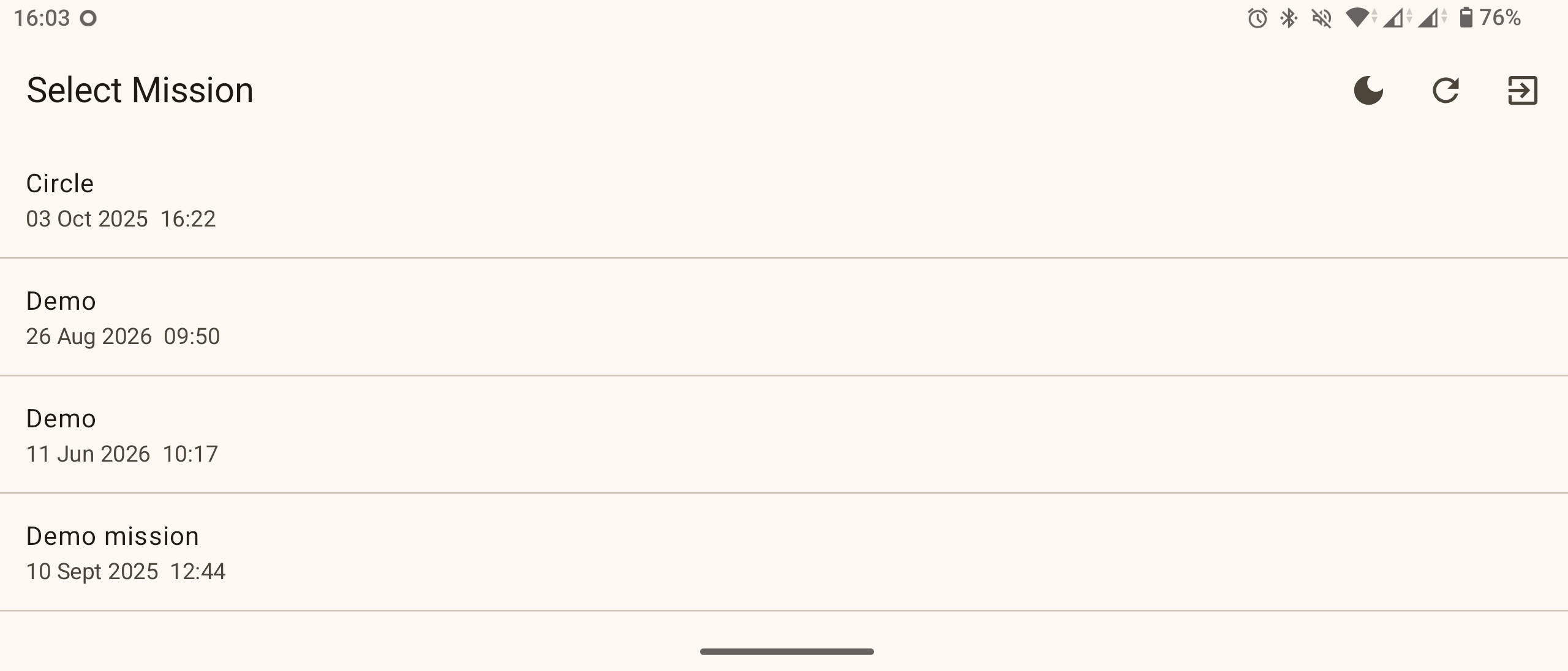
Clicking a project will display routes qualified for MAVLink drones, that is, routes with the MAVLink vehicle profile assigned.
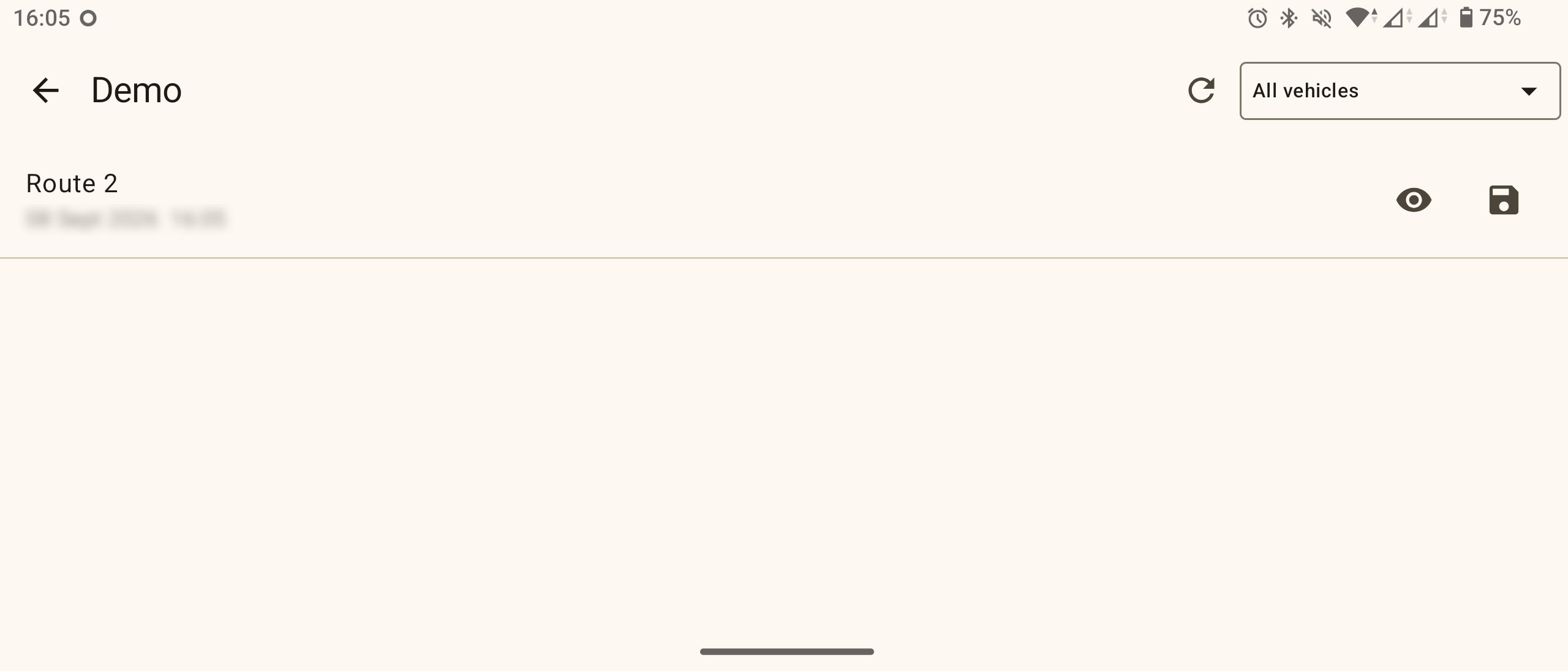
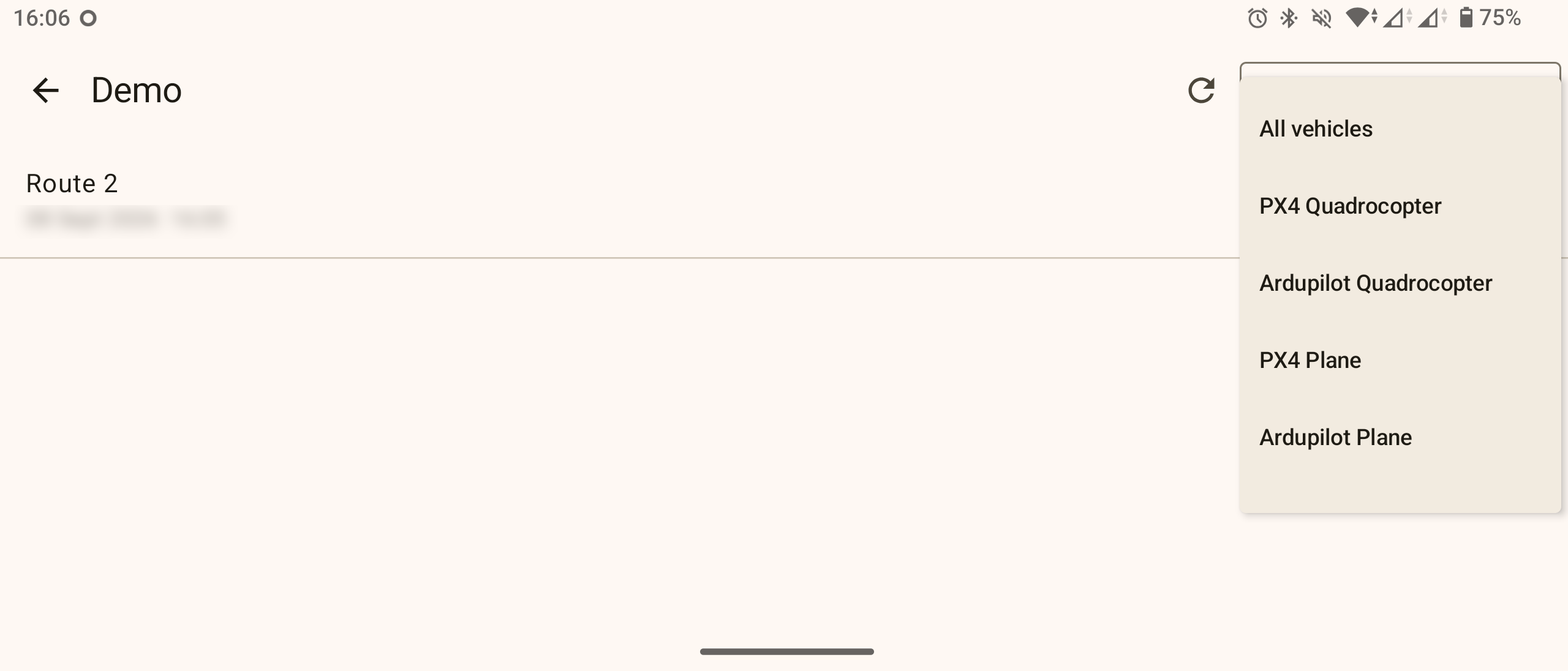
The filter in the top right corner allows selecting routes for a specific drone.
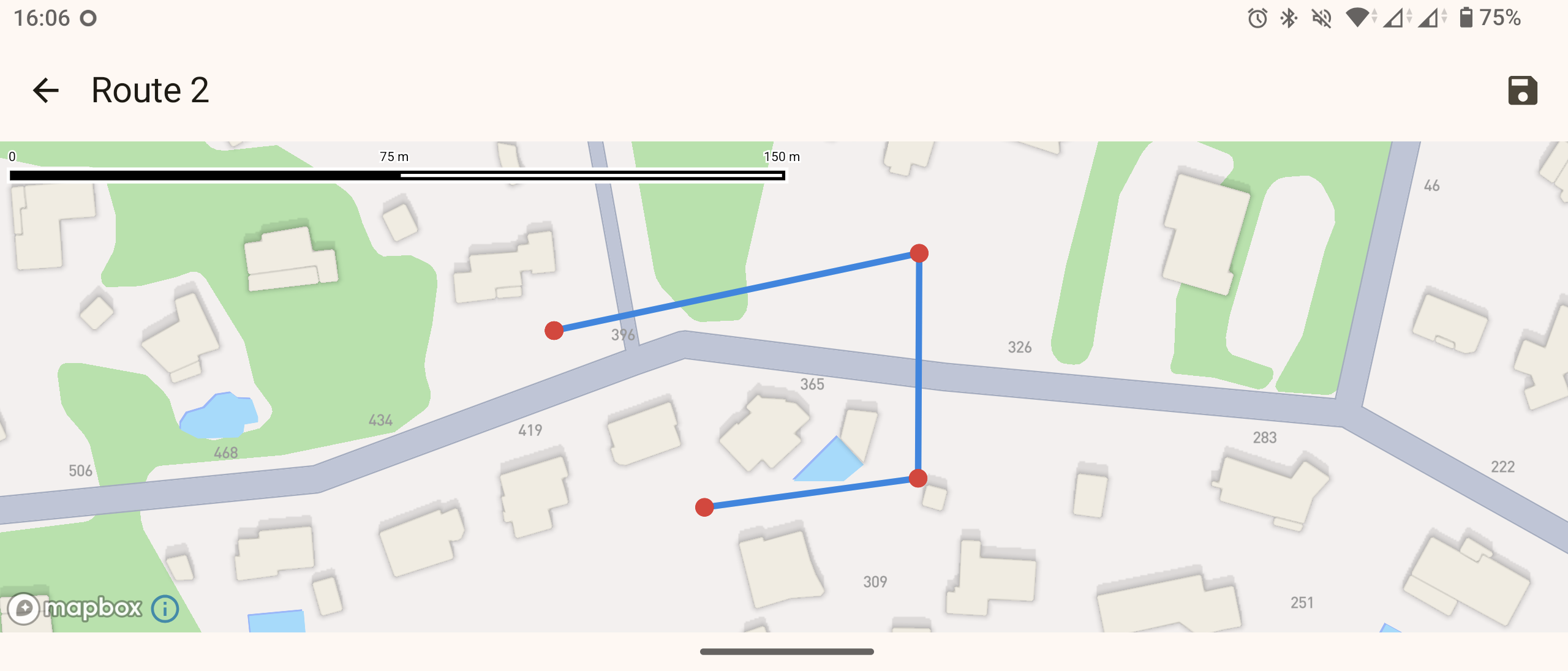
The "eye" symbol across the route name visualises it, and the save symbol allows saving the route locally.
Updated 7 days ago