
Cutting the Large area
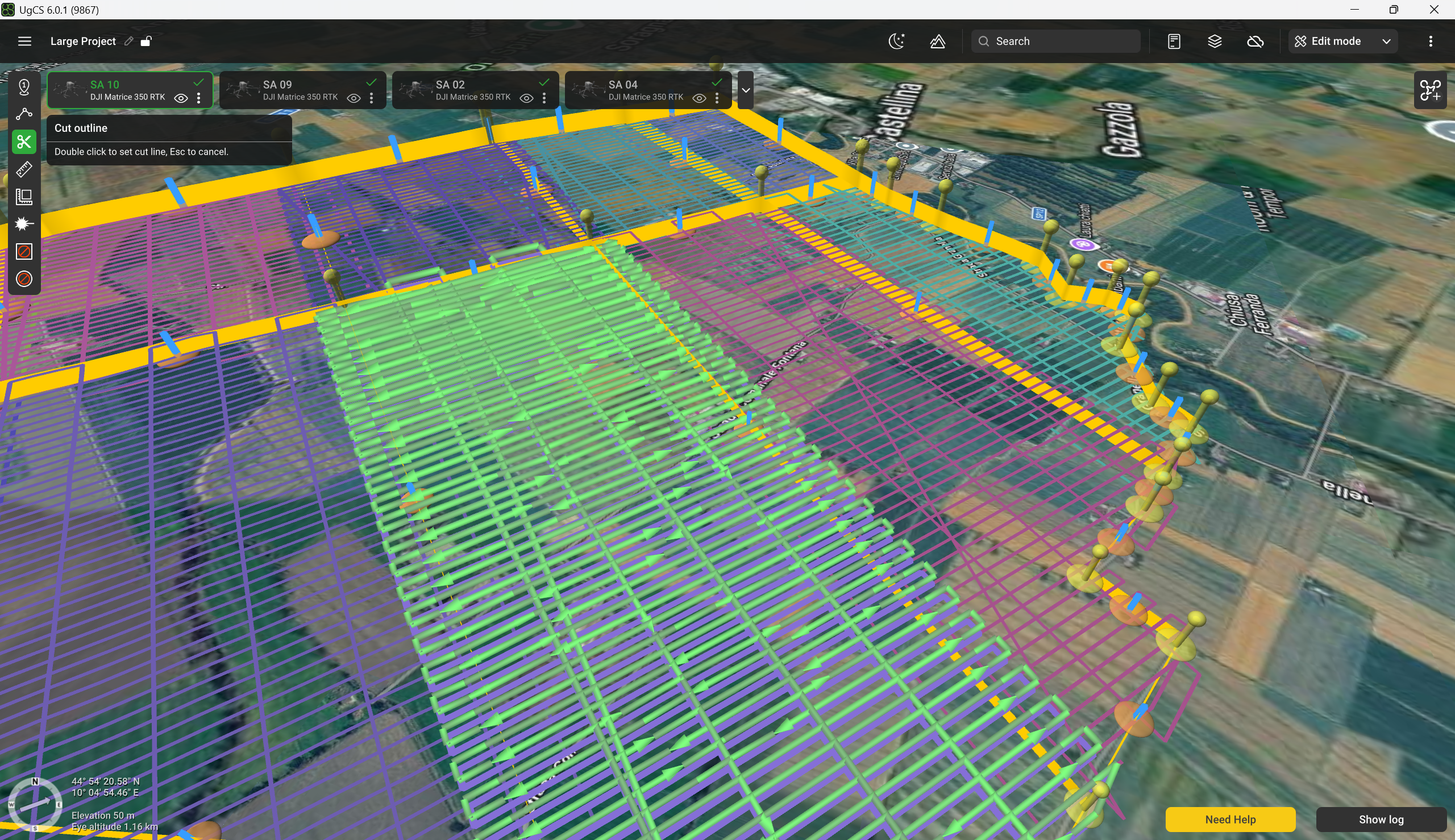
To cut the Large Project into smaller subareas, select the "Cut" tool in the toolbar on the left-hand side and start drawing lines.
To draw the line, select the starting and ending points. The line itself should cross at least two other lines. The incorrectly positioned line will remain red and will not allow setting the ending point.
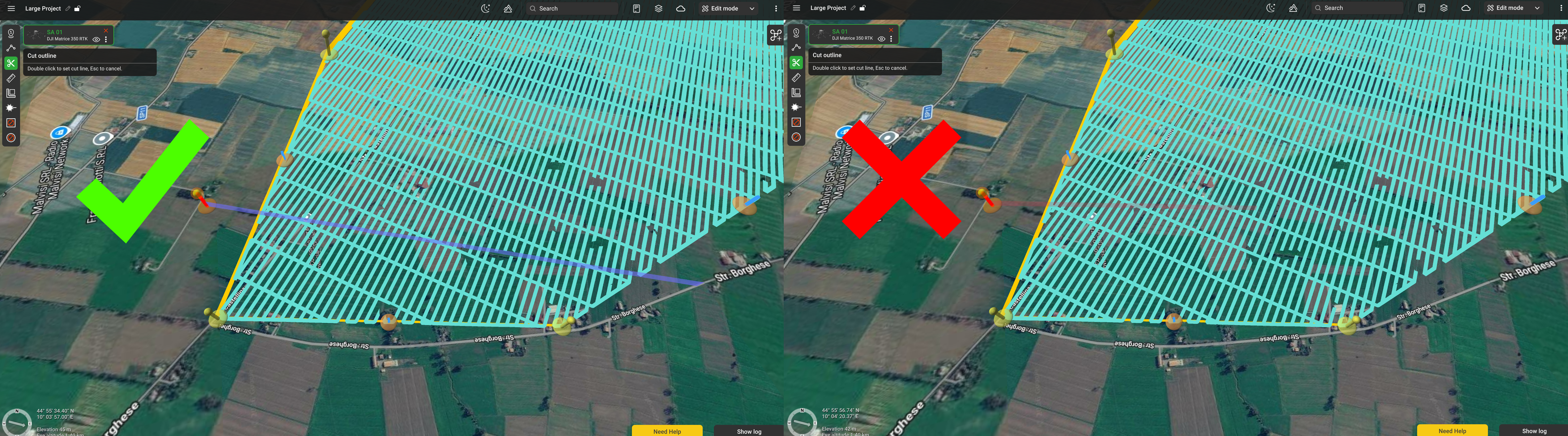
When the cut line is placed correctly, the area is instantly divided into two subareas. Each subarea is marked with a different colour. From now on, each subarea can be treated as a regular Area scan route.
Note: the flight trajectory is displayed for the selected subarea only.
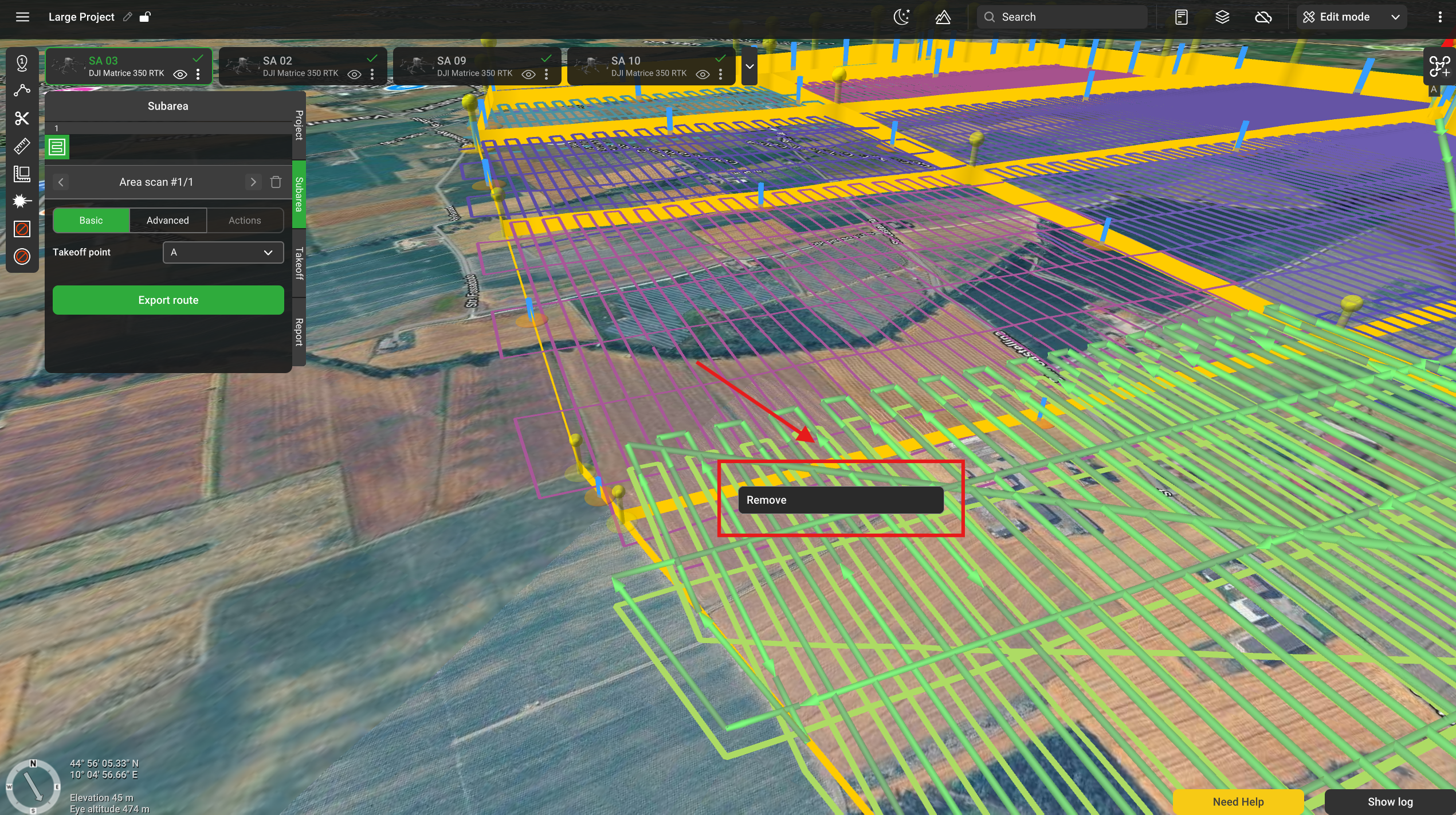
Right-clicking any boundary line displays a menu with a 'Remove' option. The lines are removed between nearest intersections, which may not include the entire line.
Updated 4 months ago