
Large project parameters
The Large project settings are similar to the Area scan settings and consist of:
Basic
Flight height - altitude of flight along the area.
Side distance - size in meters between forward passes.
Altitude mode - described here.
Turn type - described here.
Advanced
Corner radius, m - is available for DJI drones only. It is the value from the drone profile by default, which controls the curvature of the path in case the route contains Adaptive Bank Turn waypoints. DJI drones limit the corner radius of a waypoint to 1/3 the length of the shortest adjacent segment. If the 'Corner radius' value is set higher, UgCS automatically reduces it to the maximum allowed value.
AGL Tolerance, m - allows flying straight trajectories over the slightly waved landscape, by specifying how precisely the UAV should follow the required altitude above ground. To maintain a defined height, additional waypoints will be added if the height difference is larger than the AGL tolerance. The smaller the AGL tolerance value, the more waypoints will be generated. If AGL tolerance is set to 0 (zero) UAV’s altitude will be constant throughout the route, but many additional waypoints will be added.
Direction angle - changes the direction of the main scanning progress. If left blank, UgCS will calculate the optimal flight trajectory to reduce the number of turns and maximise the length of forward passes.
Overshoot, m - adds an extra segment to both ends of each forward pass to enable extra space for turns.
Overshoot speed, m/s - option to decrease/increase vehicle speed for overshoot segments while passing turns.
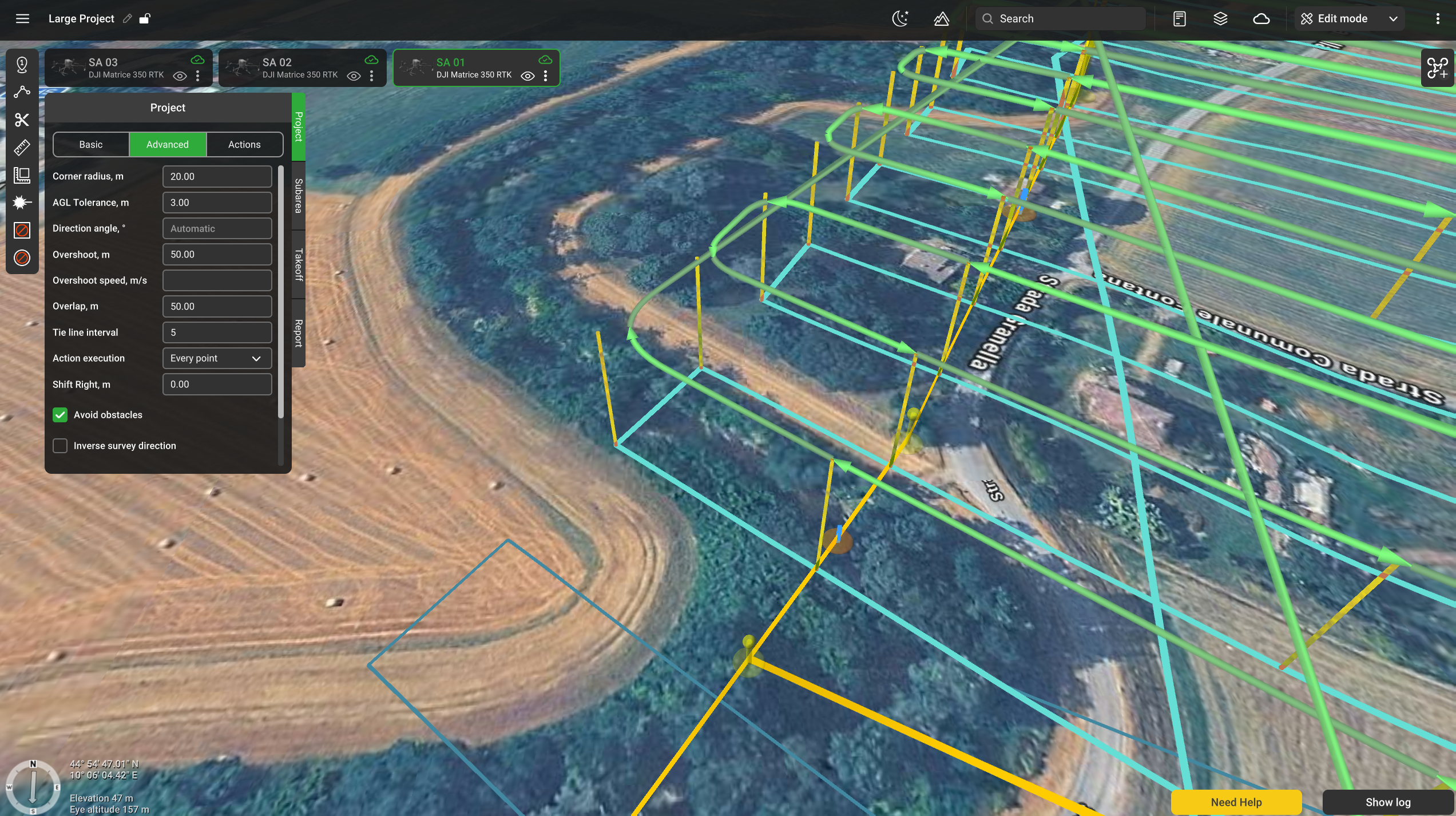
Overlap, m - the distance at which neighbouring subareas overlap.
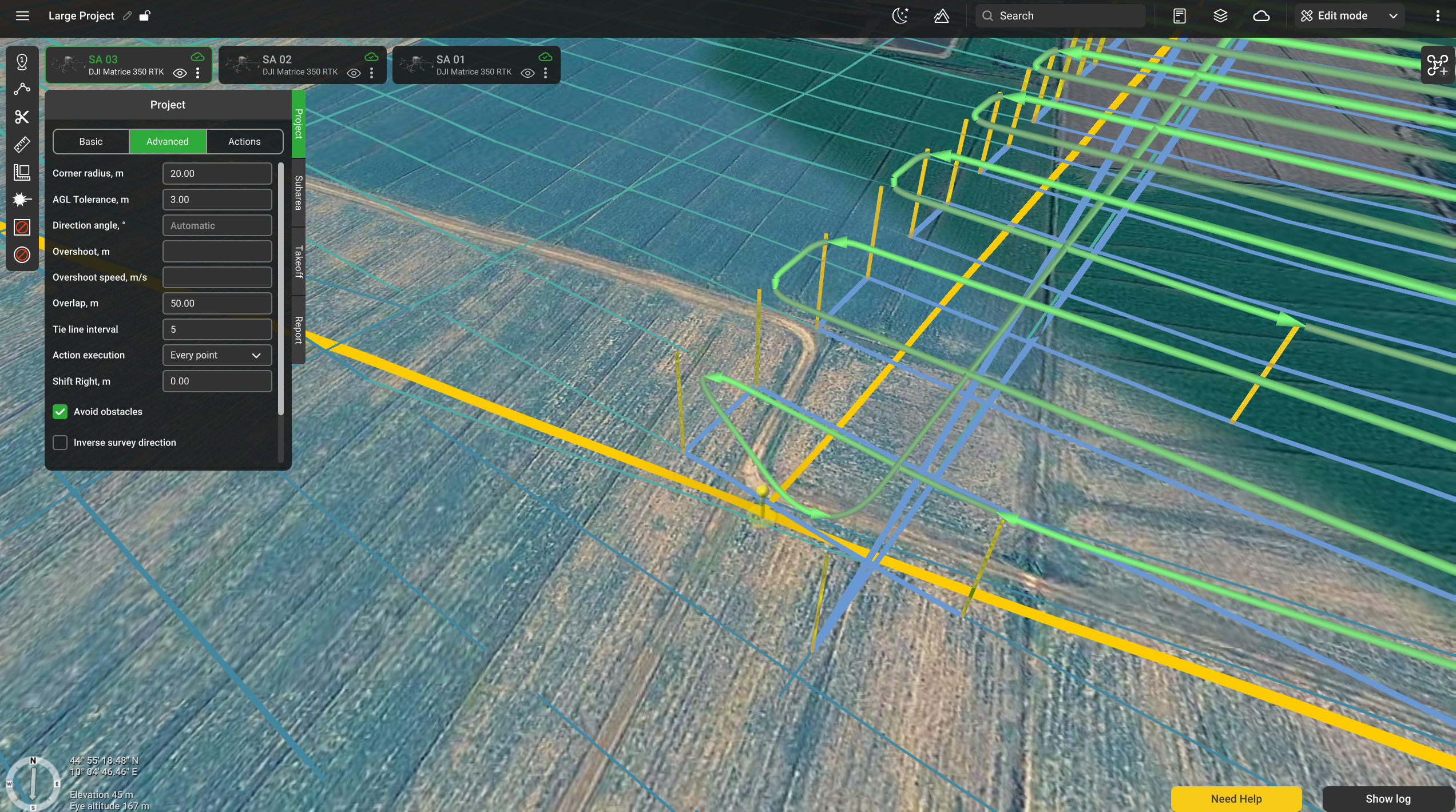
Tie line interval - defines the distance between tie lines based on the following formula: "Side distance" x "Tie line interval" = distance between tie lines in selected units (meters, feet, etc). If this interval is set to "0", tie lines will not appear.
Action execution:
Every point – actions will be generated on all waypoints;
At the start – the algorithm will generate actions only at the first waypoint;
Forward passes – actions generated at all points during the passage, payload disabled at turns
Shift Right, m - the distance at which the actual flight trajectory is offset from the planned grid.
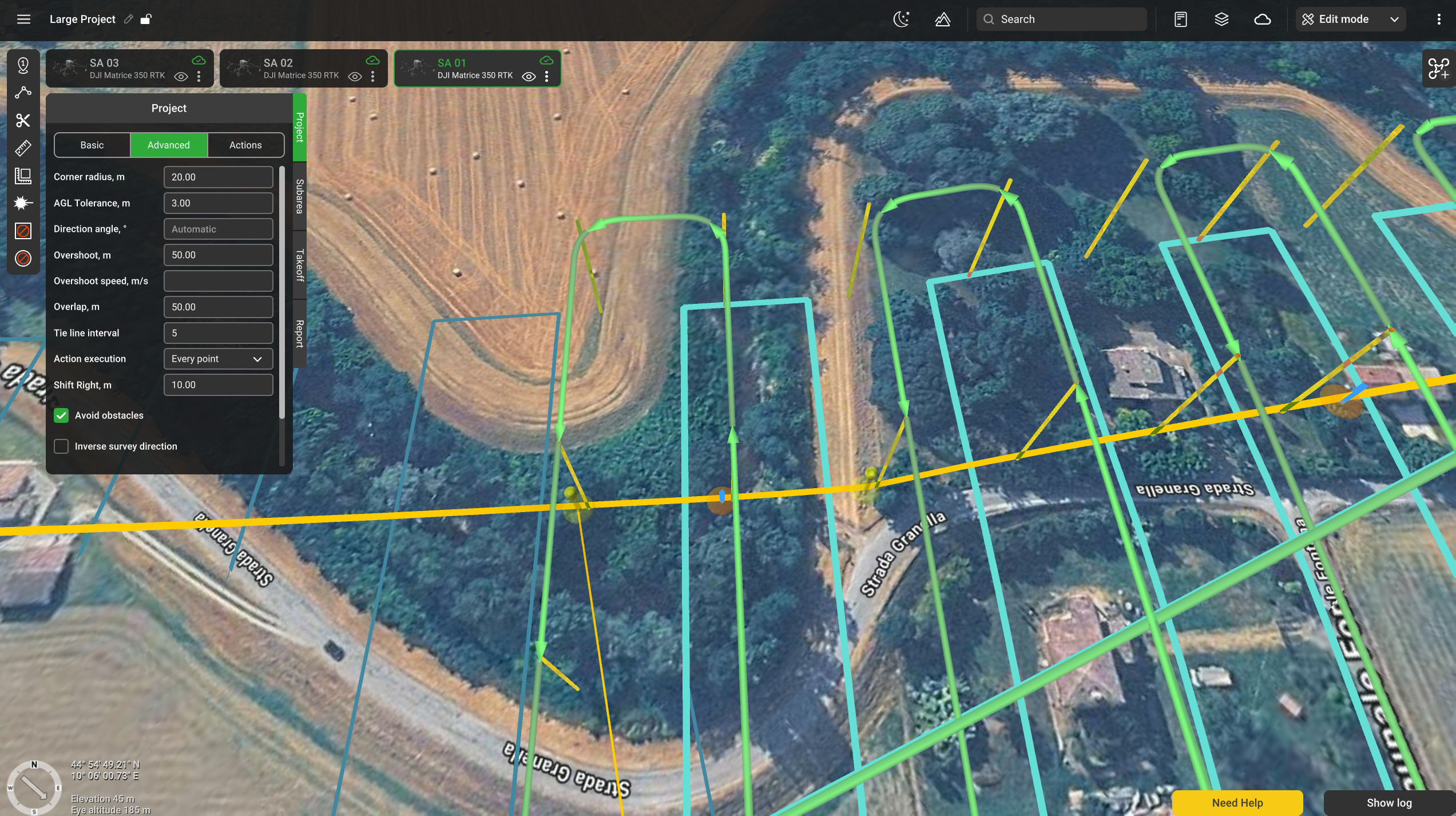
Avoid obstacles - flag to be set if buildings have to be considered when planning the path. Do not uncheck without a specific need to do so.
Inverse survey direction - swaps the order in which survey and tie lines are flown. When unchecked, the survey lines are flown first.
Actions
Change yaw - described here.
Updated 4 months ago