
Hop

The Hop action is designed to streamline the creation of the Grasshopper workflow.
The Grasshopper workflow allows the UAV to perform precise, point-based descents to a predefined height for data collection before returning to its flight altitude. This mode is particularly useful for measurements requiring direct proximity to the surface, such as water sampling, echo sounding, or specific geophysical readings.
When applied to the appropriate segment, it creates a series of waypoints at which the drone descends, waits (optional) and ascends back to the general flight altitude.
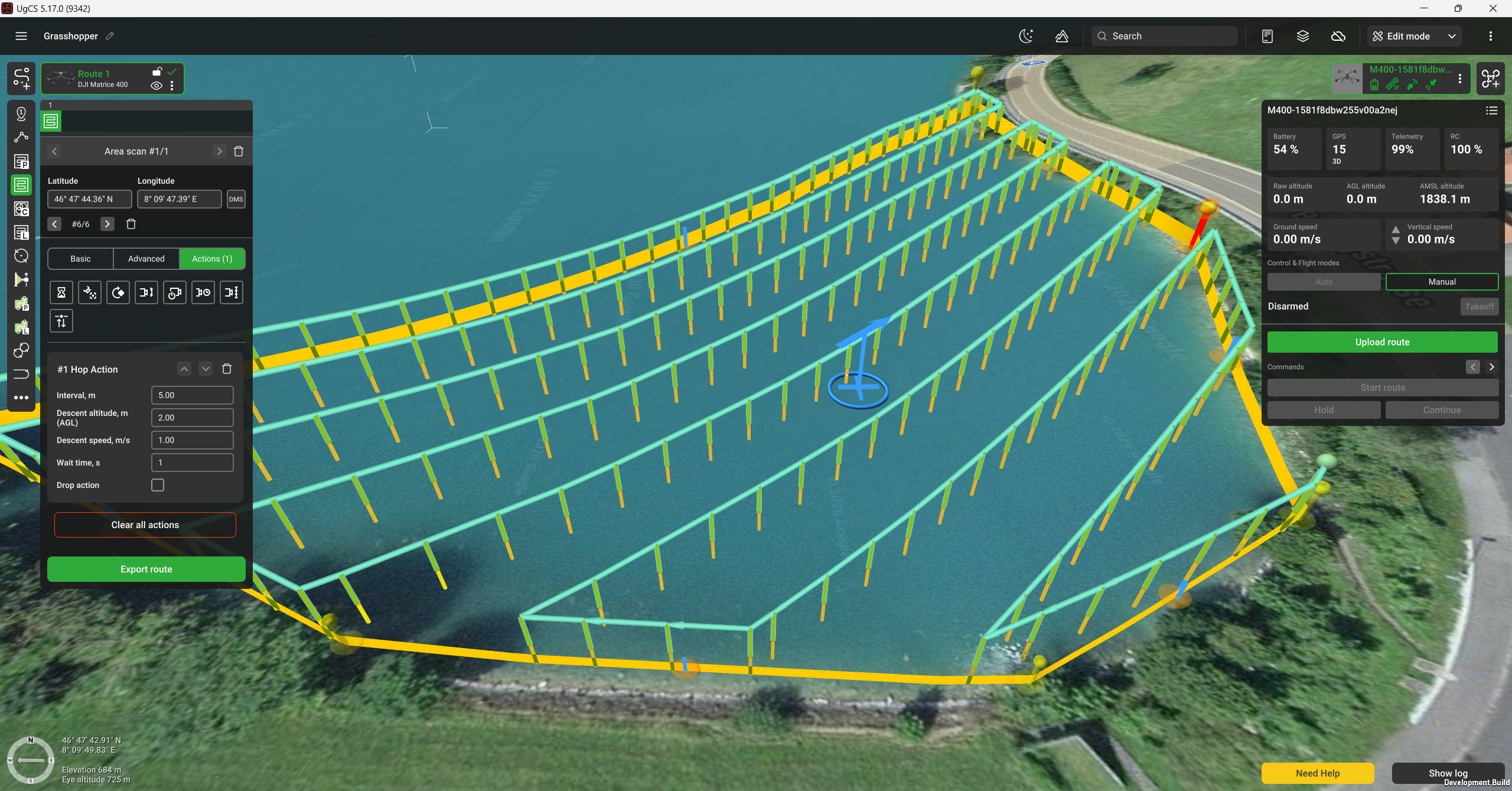
Note: the Hop action is available for the Area scan, Corridor Mapping, LiDAR Corridor and Waypoint segments. This action can only be used in combination with the SkyHub on-board computer; therefore, the segment altitude mode should be set to "Rangefinder".
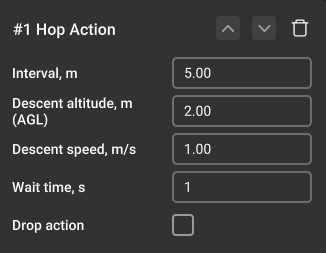
The Hop action has the following parameters:
Interval - adds waypoints at the specified distance. If the interval isn't set and additional waypoints are not generated, the action is applied only to the turning waypoints.
Descent altitude - the descent altitude over terrain.
Descent speed - speed at which the drone descends.
Wait time - the pause time at the descent position. If the Drop action is enabled, it will be performed in the middle of the indicated time interval. The timer does not pause for the duration of the Drop action.
Drop action - adds a drop action at the descent position for the supported payloads. Find more details here
Updated 7 months ago