
Telemetry player
Telemetry values recorded during the flight can be re-played to resemble actions that happened during the actual mission execution closely.
To toggle between the Telemetry Player and the Edit mode use the drop-down button in the top right corner.
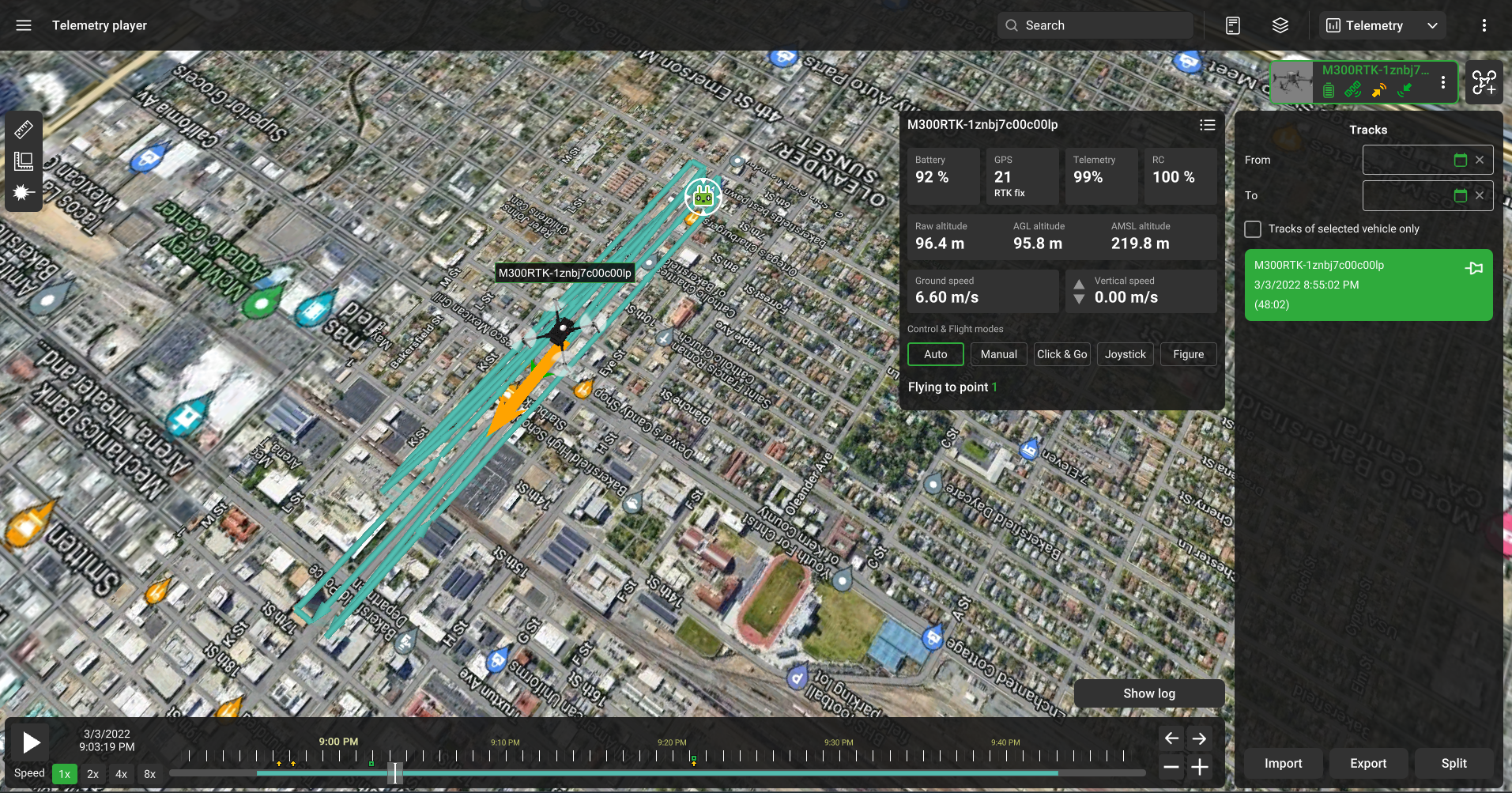
Select the vehicle, in which telemetry was recorded. It is done the same way as in the Mission view. Check out the “Adding a Vehicle” section for further information. Telemetry is displayed for all added vehicles.
Updated 9 months ago
Did this page help you?