
Exporting missions
The Mission export file includes information on the mission itself, routes, vehicles, and payload profiles used in the routes.
To perform Mission export:
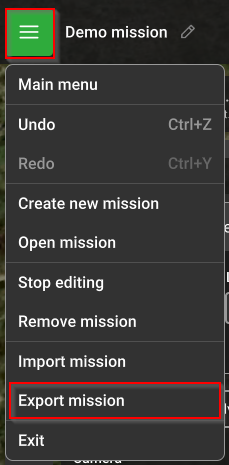
- Navigate to Menu in the upper right corner in UgCS;
- Select the option Export mission;
- Select the destination and file name and press save.
Multi-mission export
- Navigate to Menu in the upper right corner in UgCS;
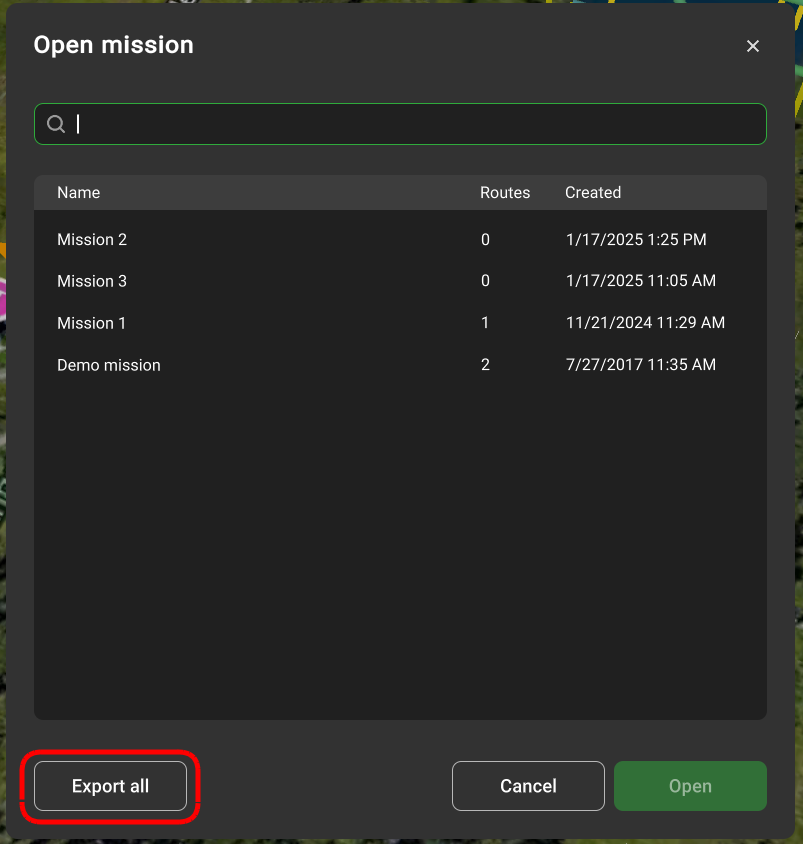
- Select the option Open mission;
- Select the Export All option. All the missions will be saved in the indicated folder.
Updated 9 months ago
Did this page help you?