
Connecting UgCS Companion to UgCS
Please follow these steps to connect the UgCS Companion and UgCS desktop applications:
- Launch UgCS Desktop;
- Power on the drone;
- Power on the remote controller;
- Launch the UgCS Companion;
- The connection between two applications must be established automatically. This will be confirmed in the UgCS Companion, which will display a green indicator next to “UgCS” (the application status bar).
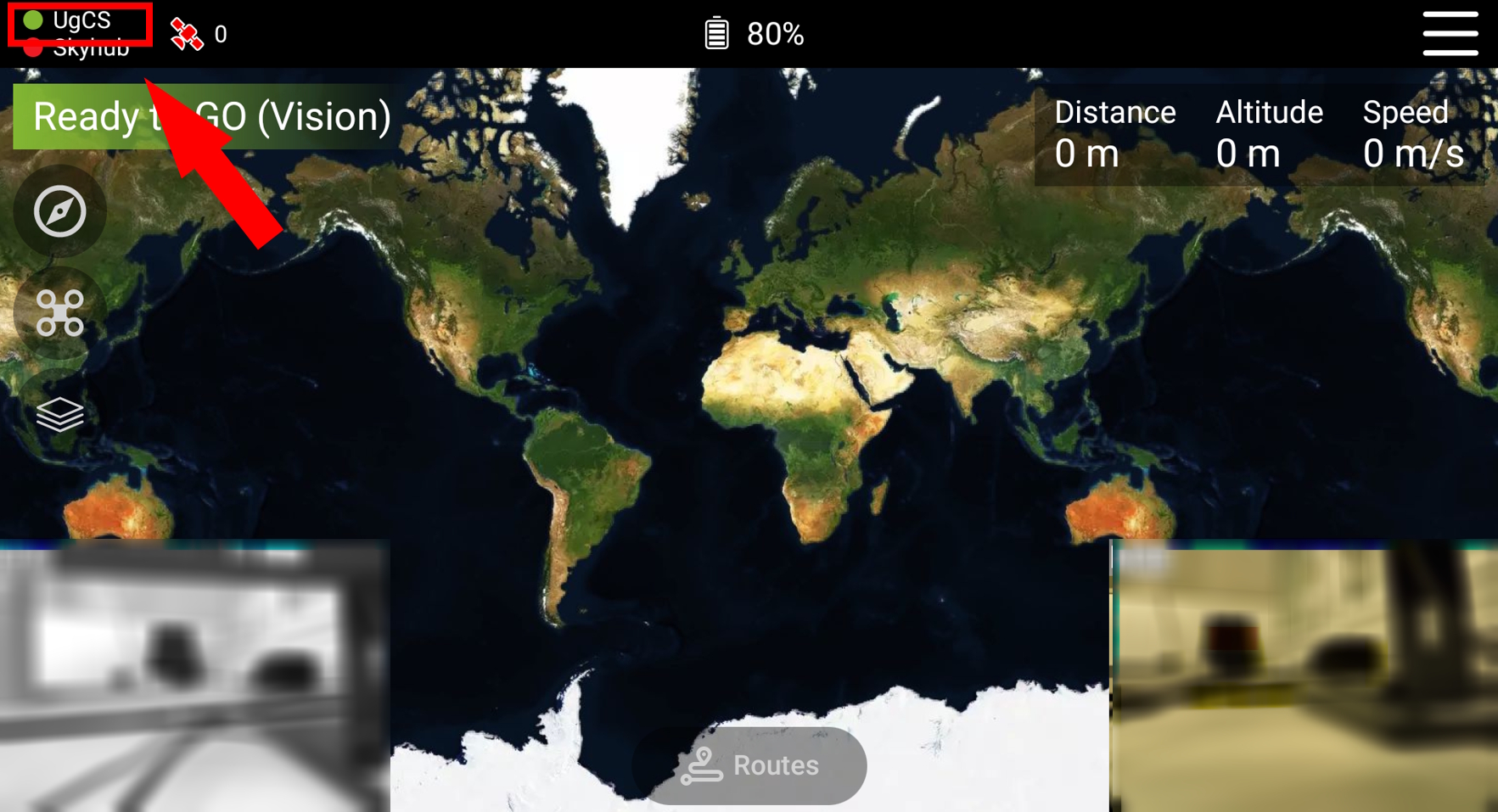
If the connection wasn't automatically established to the correct UgCS Server, it is possible to select the right one manually:
- Tap the UgCS button at the upper left corner;
- Select the correct UgCS Server from the list.
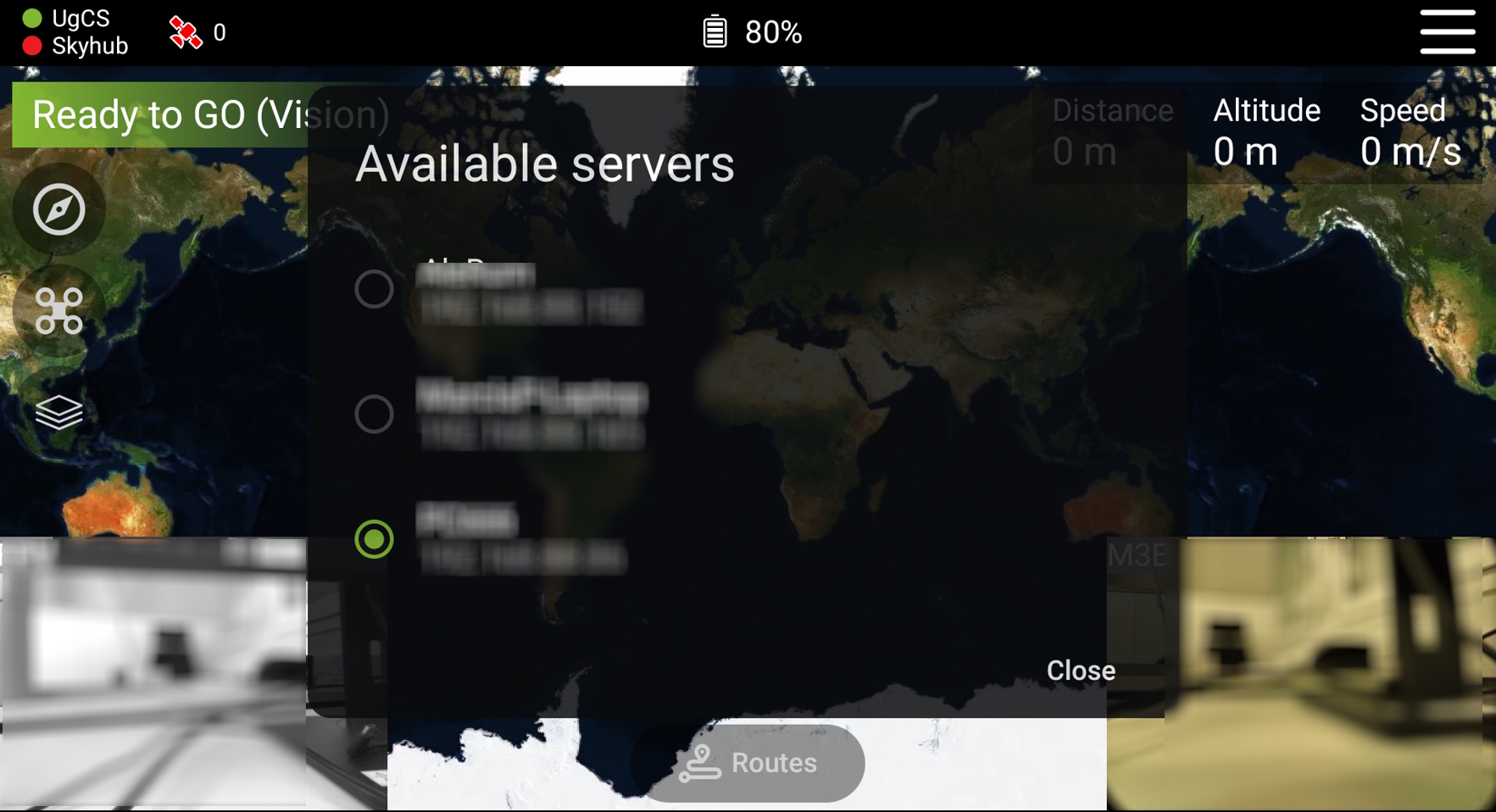
NOTE: Make sure that the computer with the UgCS Desktop and the remote controller are connected to the same local Private network and that there are no restrictions with the firewall/antivirus or any other system on your computer.
Updated 9 months ago
Did this page help you?