
2D Objects
UgCS allows adding custom 2D objects in KML format to display them on the map of UgCS.
To import the KML file:
- Open the Map options > 2D Objects > Add:
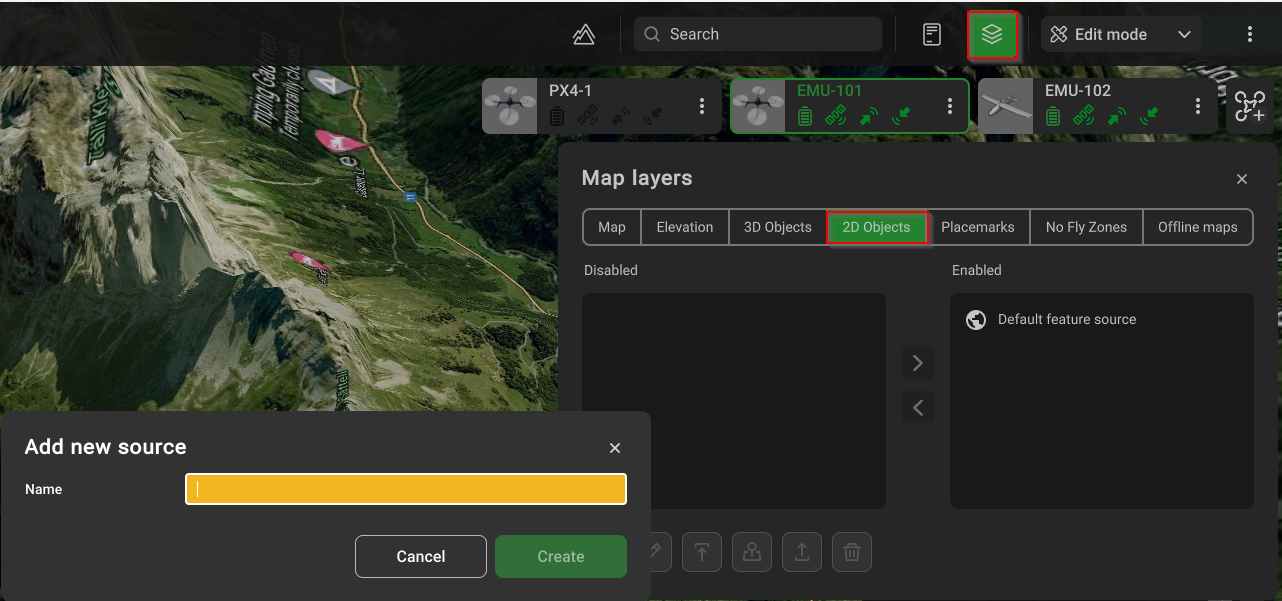
- Provide the name of the object;
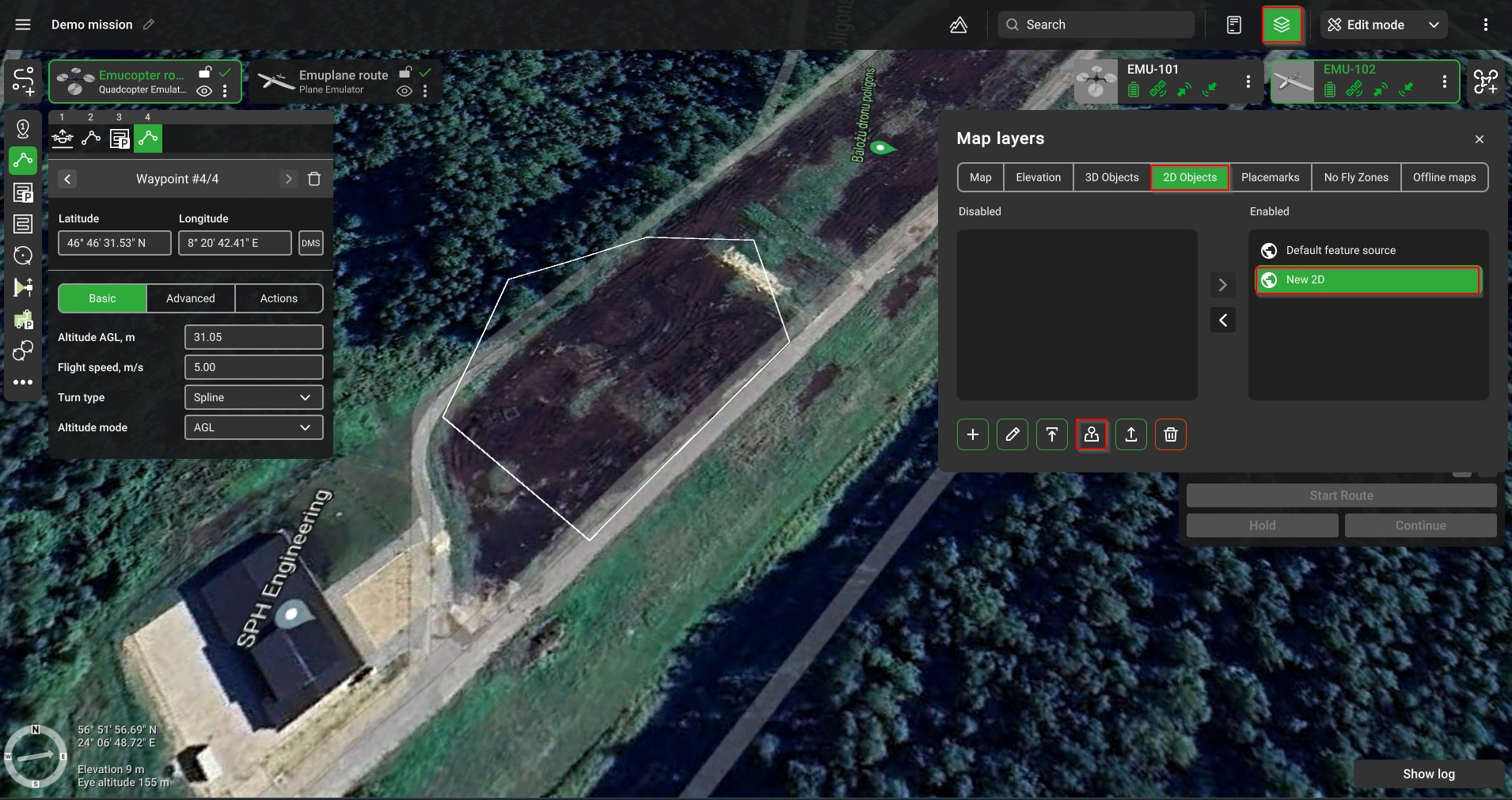
- Click the "Upload" button and select the required file. Wait until it is imported;
- Move the object's entry to the right-hand side and click the "Focus" buttons to view your object:
Updated 9 months ago
Did this page help you?