
Importing telemetry
TLM format can be imported back into the Telemetry player to view it on different devices with UgCS Desktop.
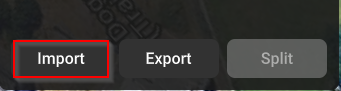
- In the Telemetry player click on “Import”
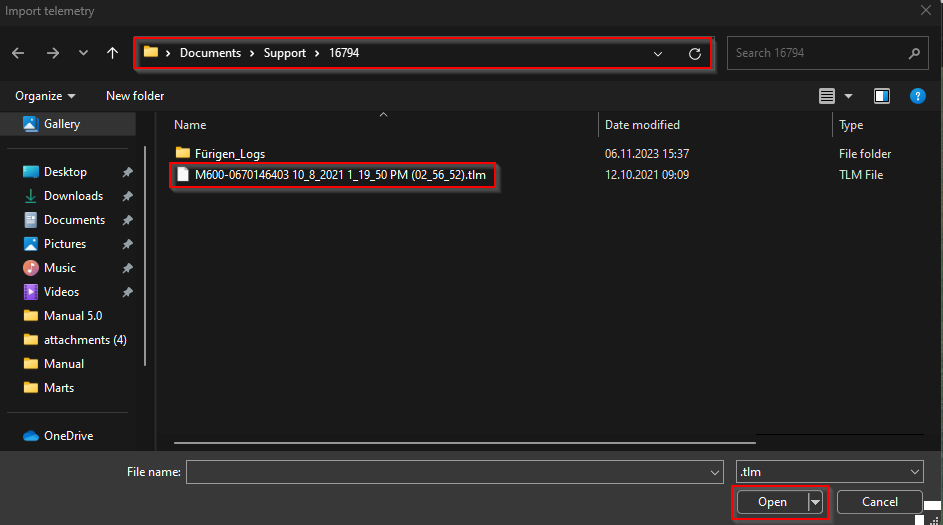
- Navigate to the location of your Telemetry file.
- Select the File that you want to Import.
- Click on “Select”.
Updated 9 months ago
Did this page help you?